
Appearance
Today board
Who this is for: Duty lead, Admin, Tenant owner
What you'll achieve: Build a day from your template, review gaps, and publish to notify staff
Requires role
rota.publish to build and publish
Before you begin
- Initial setup template exists with zone windows and lead assignments
- Staff directory is populated
What Today is for
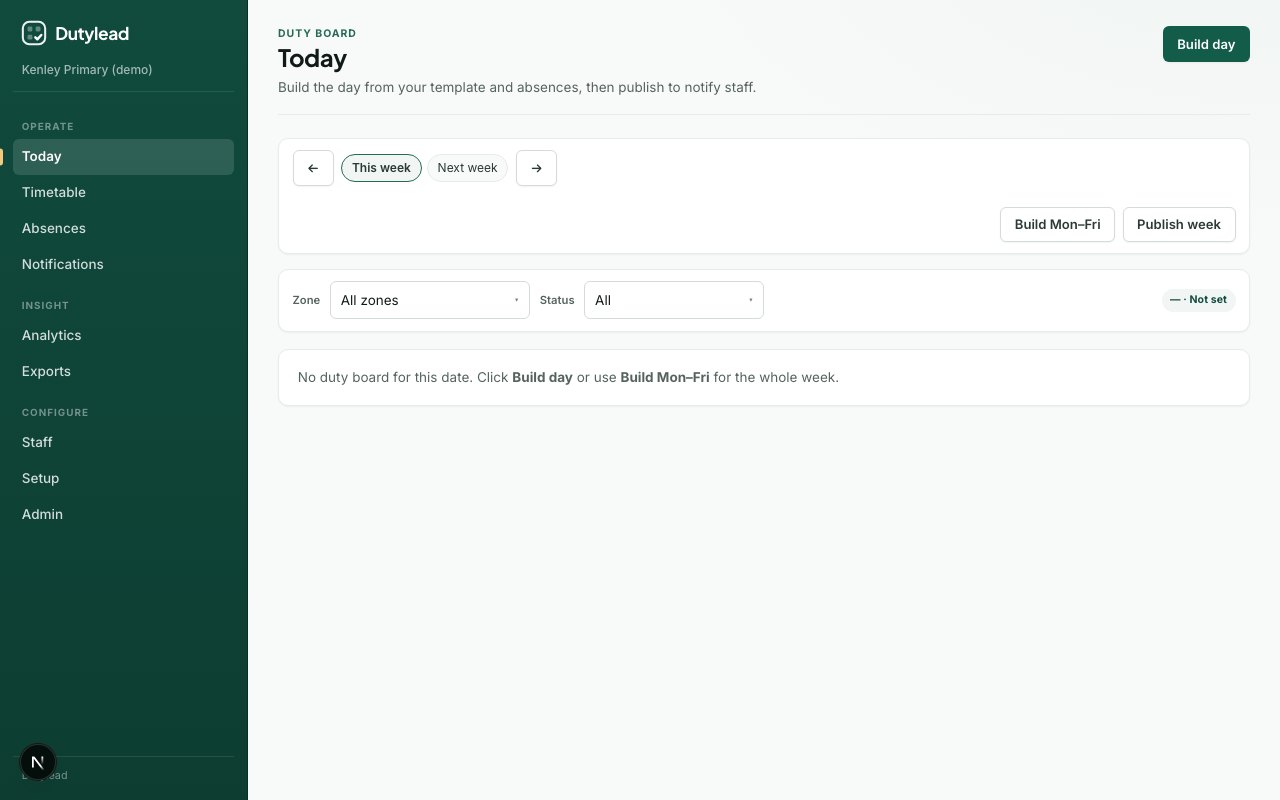
Today is the operational hub. Build the day from your template and absences, then publish to notify staff. The board refreshes via server-sent events when the live revision changes.
Choose the date
- Open Today.
- Use the week picker and day strip (Mon–Fri) to select a date.
- Note each day’s status: Draft or Live.
Build a day
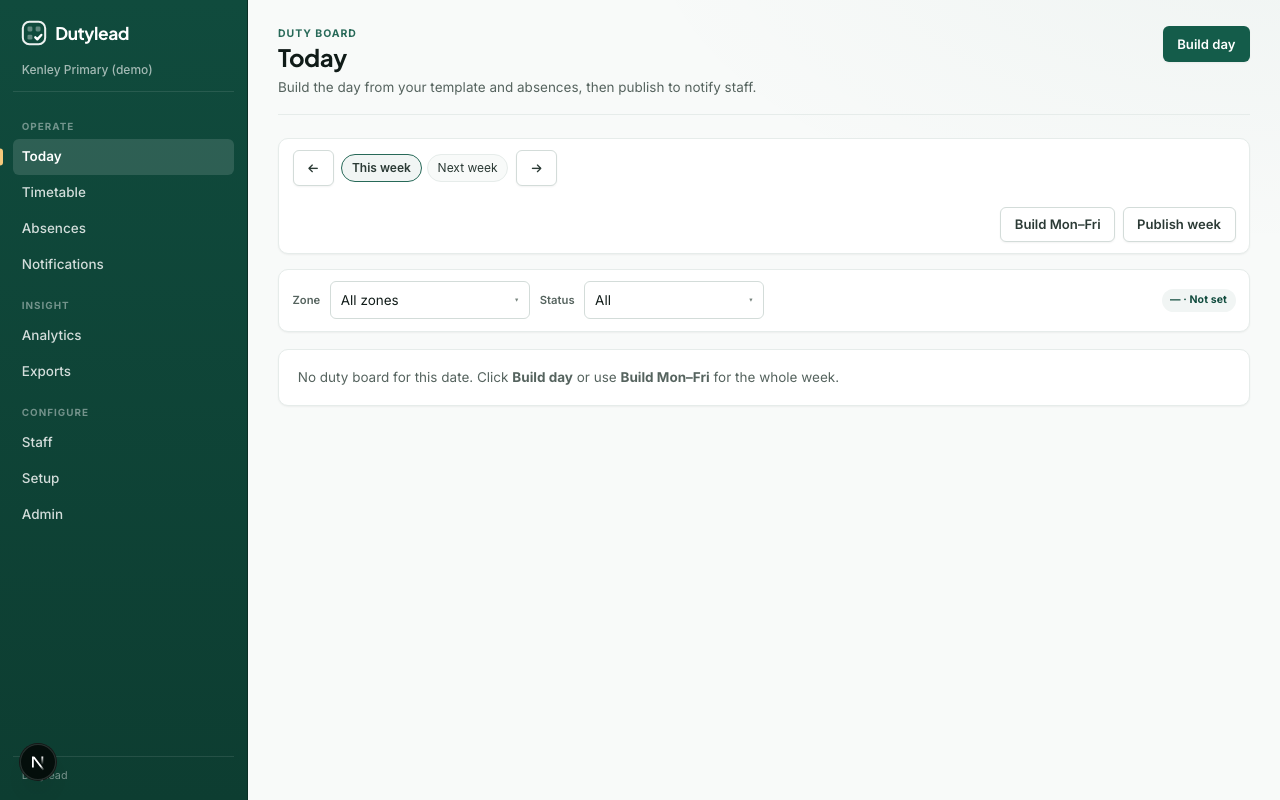
- Select Build day (or Build Mon–Fri for the whole week).
- Wait for materialise + cover engine to finish.
- Review the slot board: zone, time window, assignments, compliance.
Filters
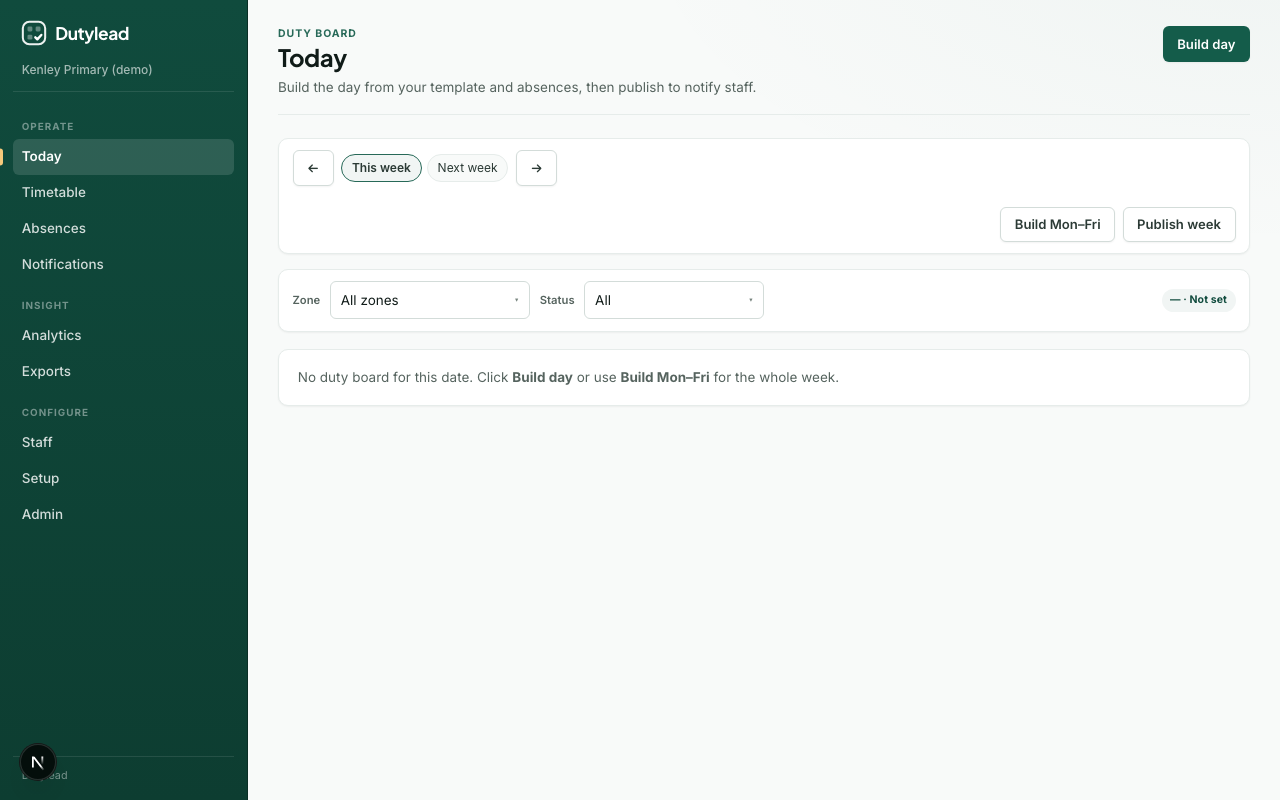
Use Zone and Status filters to focus on problems. Filters are stored in the URL (?date=&zone=&status=).
Compliance statuses
| Status | Meaning |
|---|---|
| OK | Requirements met |
| At risk | Close to failing a rule |
| Gap | Hard unfilled requirement |
| Last resort | Last-resort person/grade used |
Open slot explanations/notes when you need to understand why someone was chosen.
Publish
- Select Publish (or Publish week / open the publish wizard).
- Review gaps in the wizard steps.
- Confirm publish — this locks the day and notifies staff per your notification rules.
Explicit confirm
The engine proposes; it never auto-publishes. A duty lead or admin must confirm.
Same-day changes
After someone records an absence, return to Today, review the new draft proposal, then publish again.
What happens next
Troubleshooting
| Problem | What to try |
|---|---|
| Empty board after build | Check template slots and assignments in Setup |
| Cannot publish | Need rota.publish (duty lead / admin / owner) |
| Board not updating | Wait for SSE refresh (~15s) or reload the page |