
Appearance
Exports
Who this is for: Duty lead, Office, Admin, Viewer (export permission)
What you'll achieve: Download week packs or single-day files for sharing and analysis
Requires role
export.create
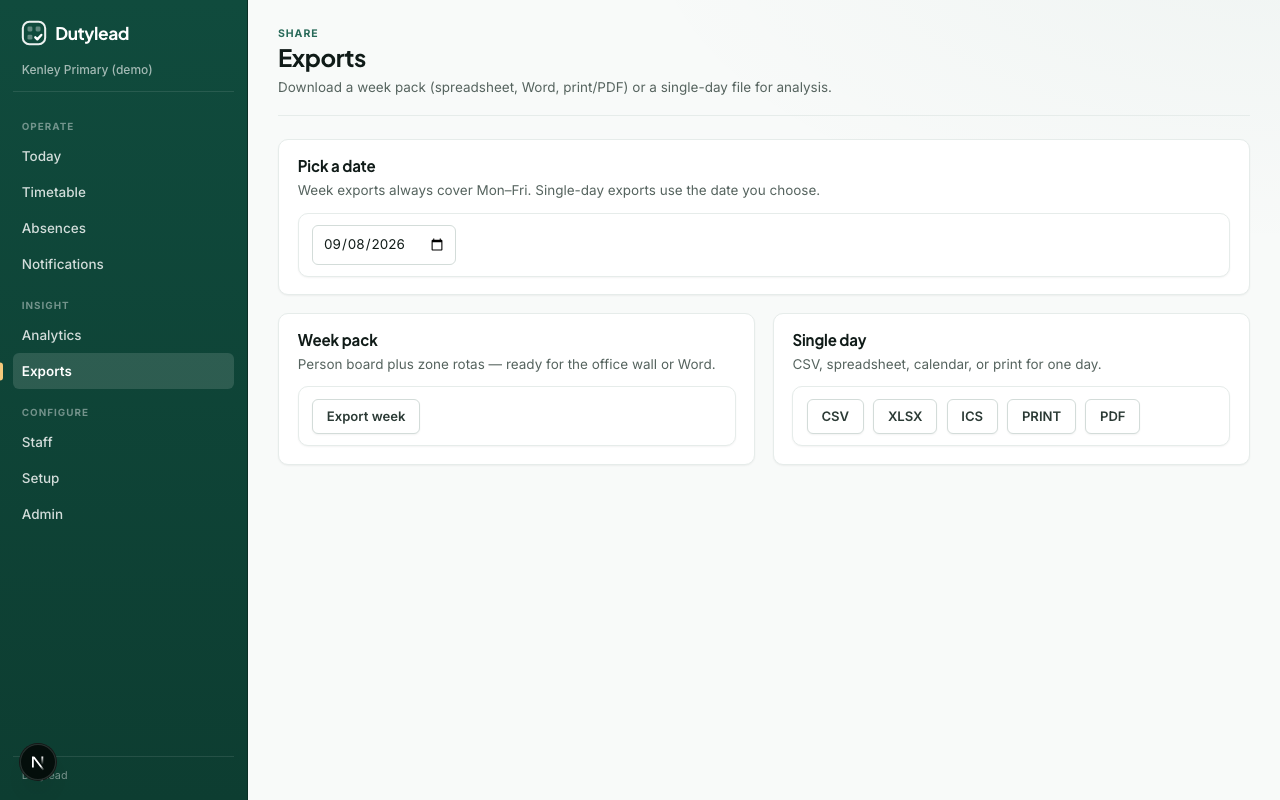
Week pack (Mon–Fri)
Week exports always cover Monday–Friday for the selected week.
| Format | Use |
|---|---|
| Spreadsheet (XLSX) | Person board + zone rotas |
| Word (DOCX) | Branded document for circulation |
| Print pack (HTML) | Open in browser → Print |
| Save as PDF | Use the browser print dialog |
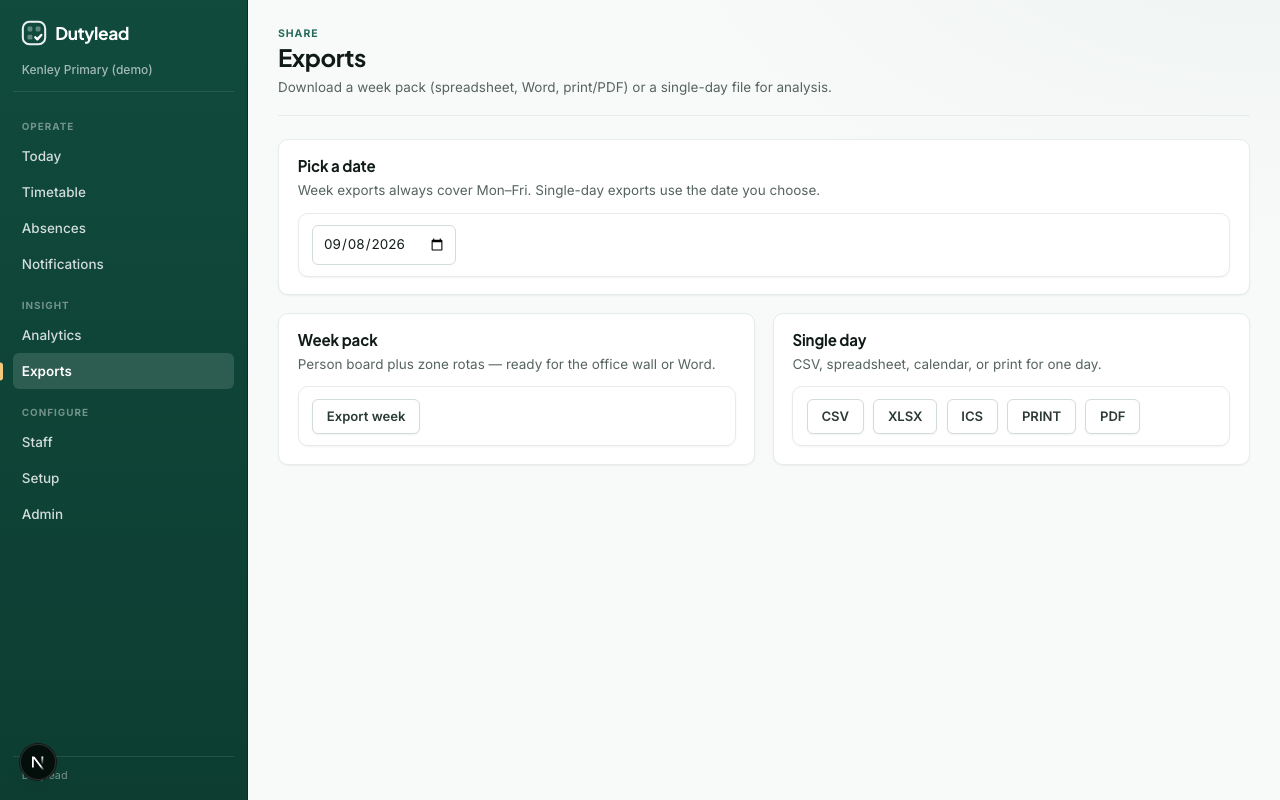
Steps
- Open Exports (or the Timetable week export menu).
- Select the week.
- Choose the format and download.
Single day
| Format | Use |
|---|---|
| CSV | Flat analysis |
| XLSX | Duties + Commitments sheets |
| ICS | Calendar import (subscribe / download) |
| Outlook write-back | Post-pilot: push to staff Outlook when integration enabled — see Outlook calendar |
| Print / PDF | Noticeboard / email attachment |
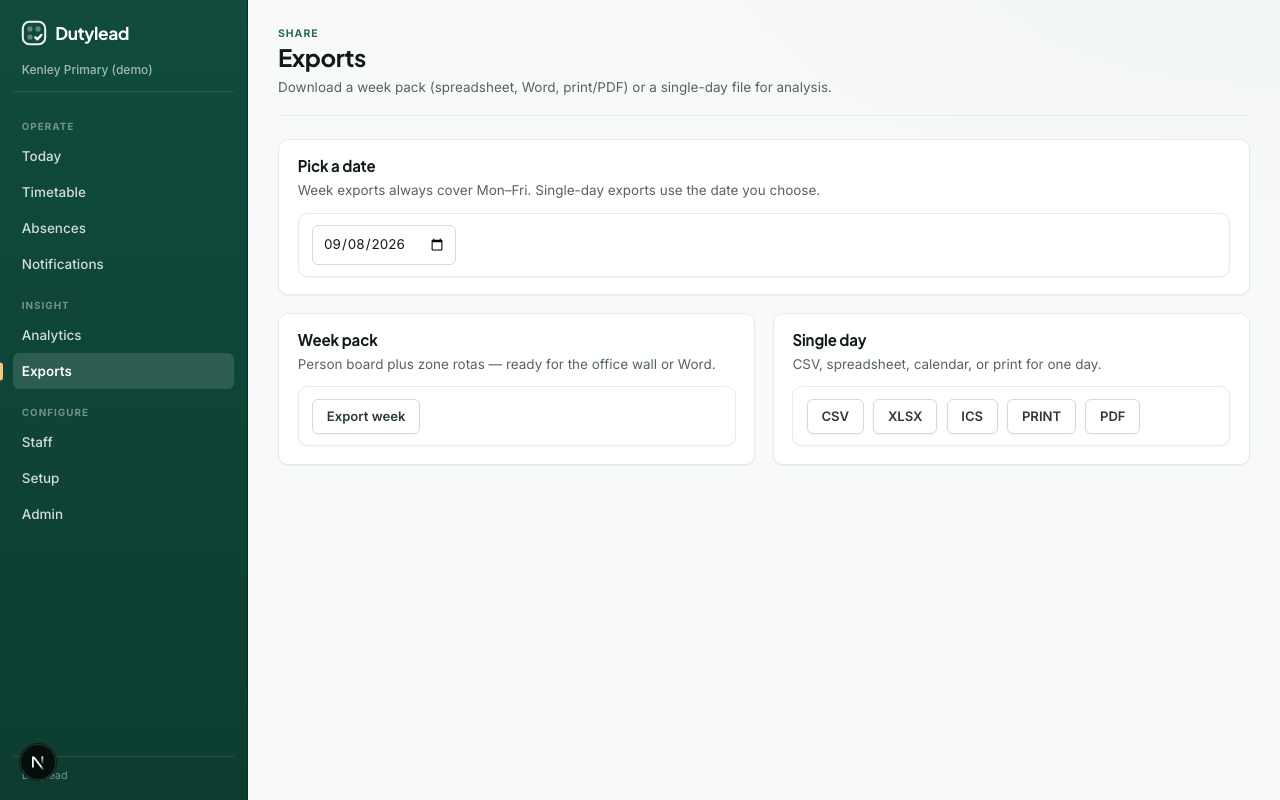
Steps
- Choose the date.
- Select the format.
- Download.
Publish first?
Exports reflect the current day revision data. For staff-facing packs, publish the day first so the export matches what was notified.
Branding
Word and print packs use school branding and stamp a SchoolRota watermark where applicable.
What happens next
Troubleshooting
| Problem | What to try |
|---|---|
| Empty export | Build the day/week on Today first |
| Wrong week | Check the week picker (Mon–Fri window) |
| PDF looks wrong | Use Print → Save as PDF with background graphics enabled |