
Appearance
Analytics
Who this is for: Duty lead, Office, Admin, Tenant owner
What you'll achieve: Review coverage health, duty load fairness, and notification reliability
Requires role
analytics.view
Steps
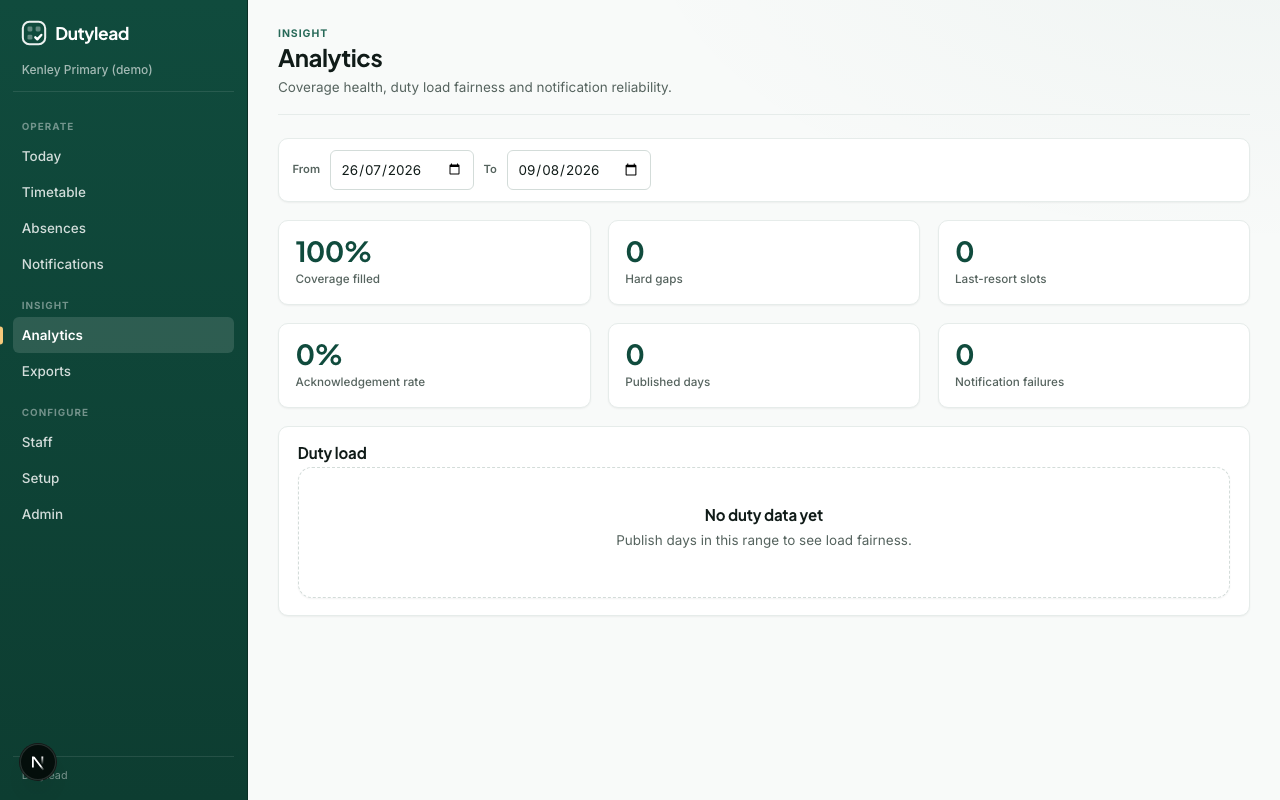
- Open Analytics.
- Set the From and To date range.
- Review summary cards and the duty load table.
Summary cards
| Metric | Meaning |
|---|---|
| Coverage filled % | How much of required cover was filled |
| Hard gaps | Unfilled hard requirements |
| Last-resort slots | Slots filled with last-resort staff |
| Acknowledgement rate | High-priority notifications acknowledged |
| Published days | Days published in the range |
| Notification failures | Delivery problems |
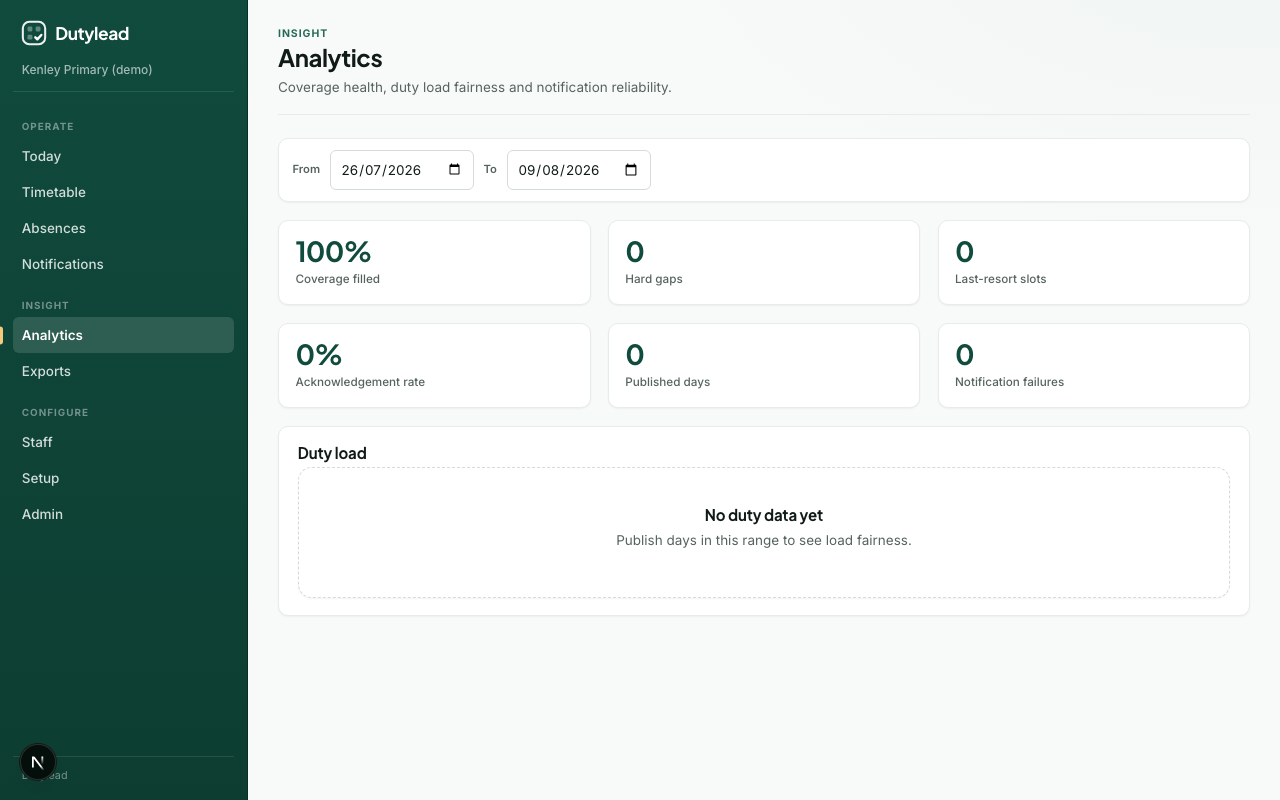
Duty load table
Per-staff duty count and last-resort count — use this for fairness conversations (“who is carrying lunch duty?”).
Tips
- Compare a quiet week vs a sickness-heavy week
- Pair with Exports when presenting to SLT
- If last-resort counts are high, revisit grade priorities and duty tiers