
Appearance
Notifications inbox
Who this is for: All signed-in users
What you'll achieve: Read duty messages and acknowledge high-priority items
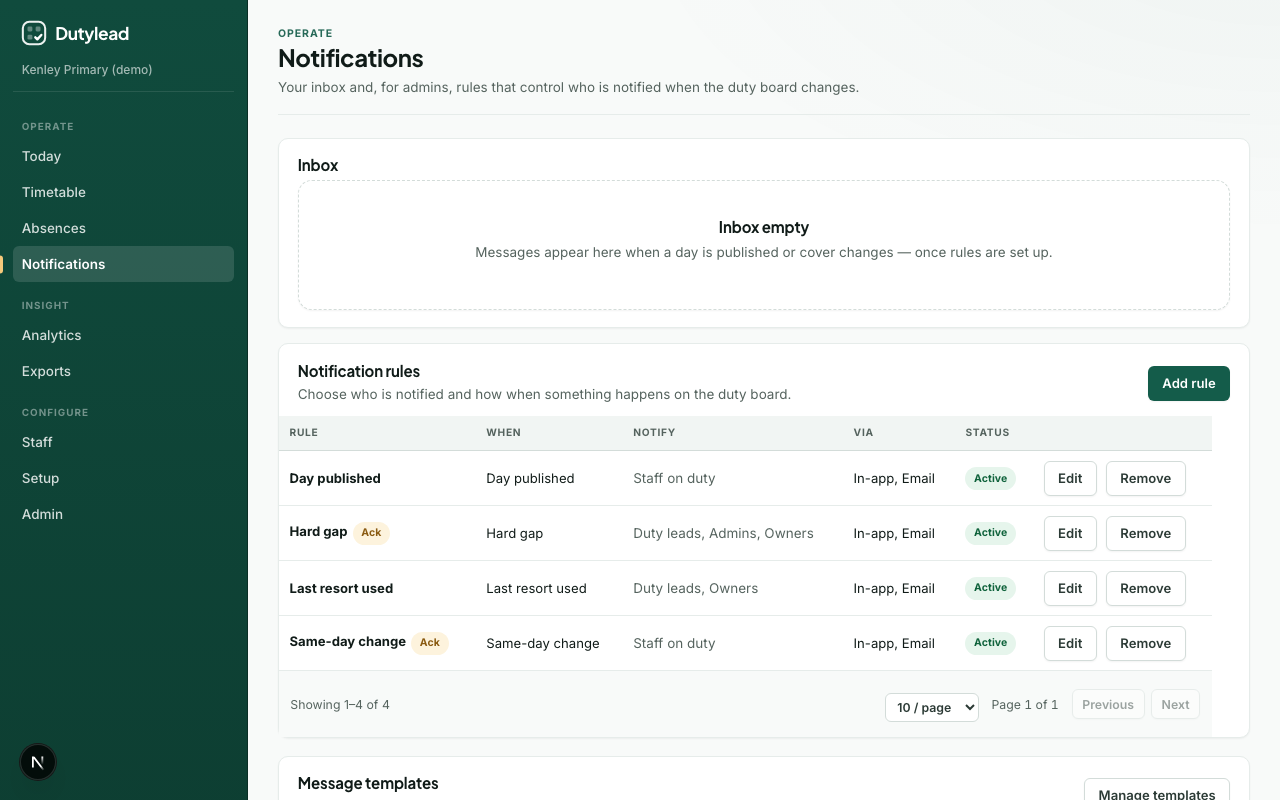
Steps
- Open Notifications.
- Review the Inbox list — subject, body, channel tag, and status.
- For high priority items, select Acknowledge when you have read them.
Messages appear when a day is published or cover changes — once notification rules are set up.
Empty inbox
If you see “Inbox empty”, either no events have fired yet, or no rule targets your role/assignee status.
Admins
Below the inbox, admins configure rules and templates. See Notification rules.